
How to Automate Google Reviews and Skyrocket Your Local SEO
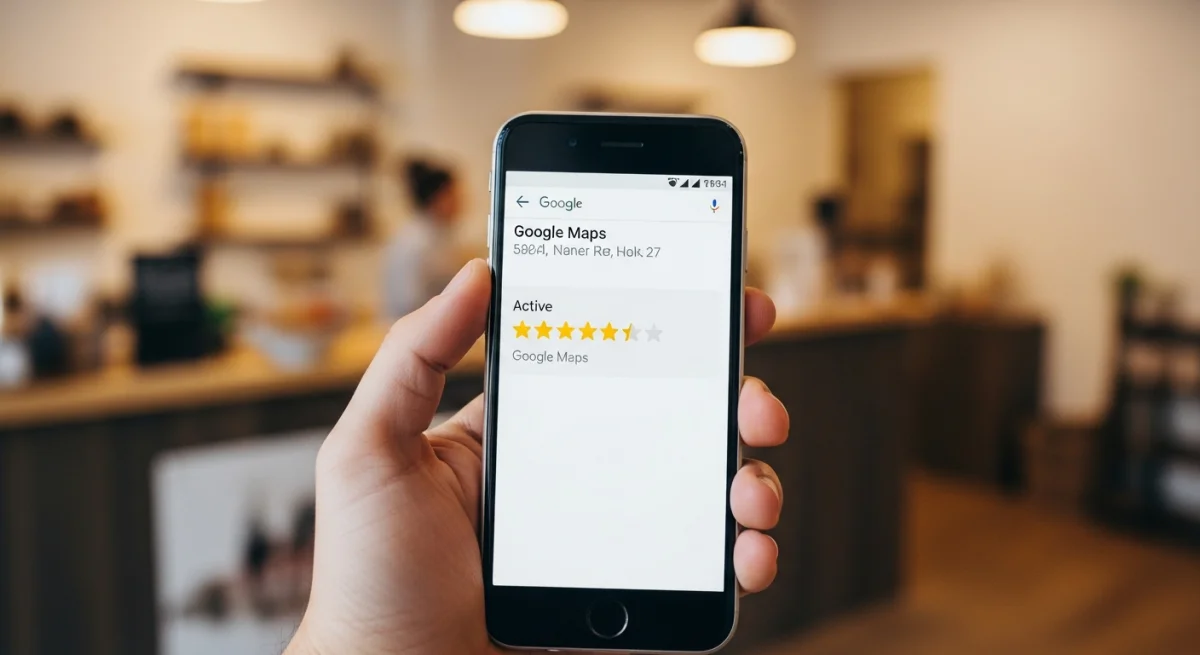
Here's a number that should keep you up at night if you're not actively collecting reviews: 93% of consumers read online reviews before choosing a local business. That stat comes from BrightLocal's annual consumer survey, and it's been climbing for years.
Your potential customers are Googling you right now. They're looking at your star rating, reading what other people said, and deciding whether to call you or scroll to the next result. If your last review is from eight months ago, that decision gets made fast. And not in your favor.
The frustrating part? You're doing great work. Your customers are happy. They'd probably leave you a five-star review if someone asked. But nobody's asking. At least not consistently enough to move the needle.
That's where Google review automation changes the math entirely.
Why asking manually doesn't work
Most business owners know reviews matter. The problem is the follow-through.
You finish a job, the customer says thanks, and you think "I should ask them for a review." Then your phone rings. The next job starts. You forget. Maybe you remember two days later and send a text, but by then the moment has passed. The customer meant to leave a review, but they got busy too.
Even when you do remember, asking face-to-face feels awkward. Some owners hate doing it. Some hand out a card with a QR code, which works about as well as you'd expect (it doesn't). And if you're relying on your team to ask, consistency drops to near zero. Nobody tracks it, nobody follows up, and the reviews trickle in at random.
This is the core problem. Manual review requests depend on human memory and human initiative, and both of those are unreliable when you're running a business with a hundred other things competing for attention.
The automated review workflow
Automating Google reviews is simpler than most people think. The basic flow has three steps.
First, a job gets marked as complete in your CRM or job management system. That's the trigger. Second, the system waits a short window (usually a few hours, so the customer has time to see the finished work), then sends a text message thanking them and asking if they'd be willing to share their experience. Third, the message includes a direct link that drops them straight onto your Google Business Profile review page. One tap, and they're writing.
No friction. No QR codes. No "go to Google and search for our business name and then click the reviews tab and then..." You've removed every barrier between a happy customer and a five-star review.
The text itself should feel personal, not corporate. Something like: "Hey [first name], thanks for letting us handle your AC install today. If you had a good experience, we'd really appreciate a quick Google review. Here's the link: [direct URL]." Short, warm, specific to the job. It doesn't read like a mass blast because the CRM fills in the details automatically.
Filter the feedback before it hits Google
Here's where smart review request automation separates itself from the basic version.
Instead of sending every customer straight to Google, you send them to a simple landing page first. The page asks one question: "How was your experience?" with two options. If they click the positive option (a thumbs up, a smiley face, a "Great" button), they get redirected to your Google review page. If they click the negative option, they land on a private feedback form where they can tell you what went wrong.
This does two things. It routes your happiest customers toward public reviews where their feedback helps your reputation and your local search ranking. And it gives unhappy customers a way to be heard without broadcasting their frustration to the internet.
You still need to act on that negative feedback. Call them. Fix the issue. A customer who had a bad experience but got a fast, genuine response will sometimes go leave a positive review on their own. But the filter gives you the chance to handle it privately first.
A quick note: this approach is about routing, not suppression. You're giving all customers the opportunity to share feedback. You're just making it easy for happy ones to do it publicly and easy for unhappy ones to reach you directly. Google's terms don't prohibit asking for reviews or making the process convenient. What they do prohibit is offering incentives (discounts, gift cards, freebies) in exchange for reviews, buying fake reviews, or selectively asking only certain customers. Ask everyone. Let the routing do the work.
Why steady reviews matter more than a batch of old ones
Google's local search algorithm weighs three things heavily: relevance, distance, and prominence. Reviews fall under prominence, and recency is a big part of that signal.
A business with 200 reviews but nothing new in six months will often rank below a competitor with 60 reviews that's been getting two or three per week. Google wants to show searchers businesses that are active, trusted, and currently delivering good experiences. A steady stream of fresh reviews tells the algorithm exactly that.
This is why automation matters so much for local SEO automation. When the system runs on autopilot, you're not getting reviews in bursts (20 after a big push, then nothing for three months). You're getting a consistent flow that matches your actual job volume. Five jobs this week, five review requests go out. Three customers respond. Next week, same thing.
Over a few months, that pattern compounds. Your review count climbs. Your average rating stabilizes (or improves). Your Google Business Profile looks active and trustworthy. And you start showing up higher in local search results for the exact services you offer.
The businesses that dominate the local map pack aren't always the biggest. They're the ones with the most recent, most consistent review activity. Automation is how you get there without adding a single task to anyone's plate.
What Google does and doesn't allow
This comes up often enough that it's worth addressing directly.
Google allows you to ask customers for reviews. They allow you to send a link that goes directly to your review page. They allow you to time your requests so they go out after a job is complete. They allow you to use automated tools to send those requests.
Google does not allow you to pay for reviews, offer anything of value in exchange for a review, post fake reviews, or cherry-pick which customers you ask based on whether you think they'll leave a positive one. You also can't review-gate in a way that prevents dissatisfied customers from leaving a public review entirely.
The feedback filter we described earlier stays on the right side of this line because every customer gets asked. The routing simply makes it more convenient for happy customers to leave public reviews and more convenient for unhappy customers to reach you privately. No one is blocked from leaving a Google review if they want to.
If you follow the basic rule of "ask every customer, don't offer incentives, don't fake anything," you're fine.
Where to start
You can set this up yourself if you have the right tools and the patience to connect them. You'll need your CRM (or job management software), an SMS platform like Twilio, a simple landing page for the feedback filter, and some automation logic to tie the pieces together.
Or you can have it built for you and running within a couple of weeks.
At Streamline Logik, Google review request automation is one of the most common systems we build. We connect it to your existing CRM, set up the feedback routing page, write the messages, and hand you a system that sends the right text to the right customer at the right time, every time. And we guarantee it works from day one.
Book a free Lead Response Audit and we'll show you exactly how many reviews you're leaving on the table. Takes 30 minutes, costs nothing, and you'll walk away knowing what to fix.